By AlertMedia, Risk Intelligence and Response

Emergency Management Jul 01, 2026
Crisis Management Software for Corporate Security
Incident Response Key Feature Guide
Create a customized, crisis-ready framework to keep your organization running through any disruption.
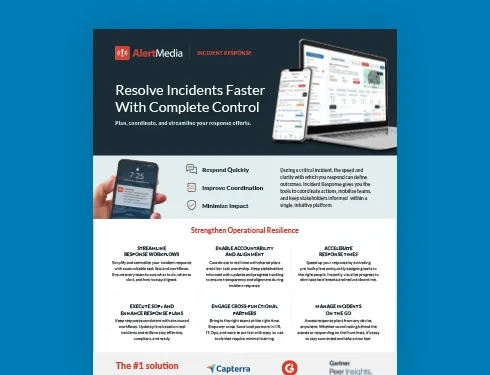
Table of Contents
- Why Corporate Security Teams Need Dedicated Crisis Management Software
- What to Look for in Crisis Management Software for Corporate Security
- The AlertMedia Approach: Built Around the FACTOR Framework
- Why Corporate Security Teams Choose AlertMedia
- See AlertMedia's Crisis Management Platform in Action
Crisis management software for corporate security gives physical security teams a single platform to detect threats, coordinate response, and communicate with employees during an incident, replacing the disconnected spreadsheets, call trees, and point solutions many teams piece together today. For corporate security leaders under pressure to digitally transform their operations, the right software connects threat detection to coordinated action and verified communication, so a security operations center can move from initial signal to resolution without losing time switching between systems. This page covers what corporate security teams should look for in crisis management software and how AlertMedia’s platform addresses each requirement.
Why Corporate Security Teams Need Dedicated Crisis Management Software
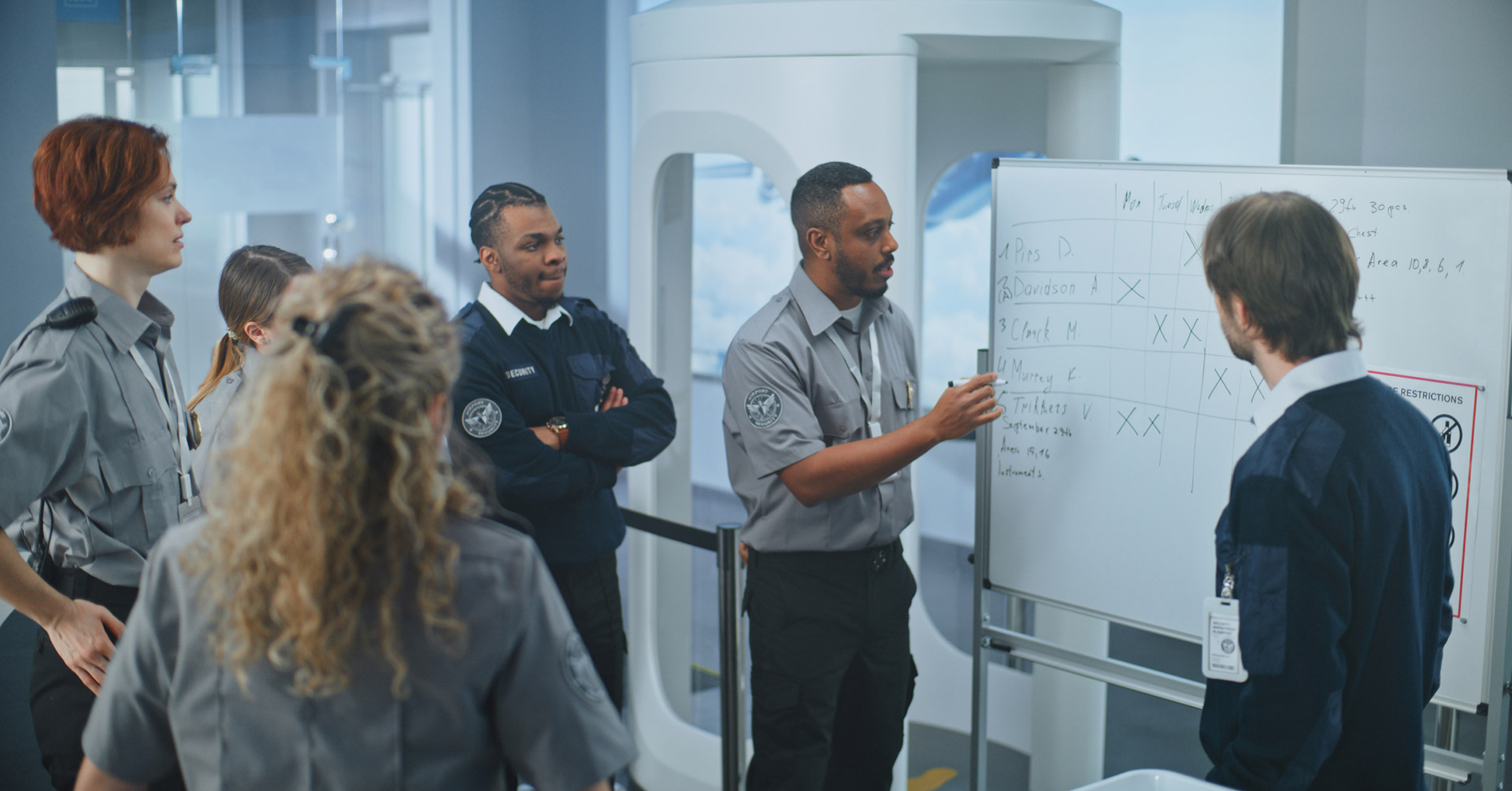
Corporate security leaders, typically senior managers and above with backgrounds in law enforcement, the military, or corporate investigations, are under sustained pressure from senior leadership to digitally transform security operations. That pressure runs into a familiar set of obstacles.
- Current software is often difficult to use, so only one or two specialists on the team know how to run it, which creates a single point of failure during an actual incident.
- Workforces are dispersed across headquarters and regional sites, making it hard to target the right people with two-way communication when something happens.
- Smaller intelligence units spend significant time on manual legwork, monitoring open sources and trying to separate signal from noise without a Global Intelligence Team or analyst support.
- Security personnel struggle to coordinate with stakeholders across departments once an incident is underway, because the response plan, the communication tool, and the after-action report all live in different systems.
These challenges show up across industries. A Global Security Operations Center (GSOC) at a financial services firm, a healthcare system, a retail chain, or a higher education institution faces the same core problem: too many disconnected tools, and not enough visibility into what is happening across multiple locations in real time. That is the gap purpose-built crisis management software is designed to close.
What to Look for in Crisis Management Software for Corporate Security
Not every notification tool or incident tracker qualifies as crisis management software. For a corporate security team, the right platform should deliver on a specific set of requirements:
- Situational awareness that connects threat detection directly to response, rather than requiring a security analyst to manually relay what they find into a separate coordination tool.
- An all-in-one workflow that any cross-functional partner, in HR, IT, operations, or facilities, can use without specialized training, since incidents rarely stay contained to one department.
- Real-time visibility into who and what is affected across hundreds of locations, so a small team can scale its coverage without scaling headcount.
- Mobile access, since security leaders need to manage a response from a security operations center, a vehicle, or the field, not just a desktop console.
- Audit-ready reporting that documents the response automatically, instead of requiring someone to reconstruct a timeline from emails and call logs after the fact.
The table below frames the difference between a fragmented, tool-by-tool approach and a unified crisis management workflow.
| Process stage | Legacy fragmented approach | Unified crisis management workflow |
| Threat detection | Security analysts manually monitor scattered sources and flag what seems relevant. | Threat Intelligence surfaces analyst-verified threats automatically, scoped to your people and locations. |
| Response coordination | Response plans live in static documents that require rebuilding context once an incident starts. | Incident Response deploys pre-built Rapid Deployment Templates instantly, with task ownership already defined. |
| Communication | Notifications go out through separate tools with no confirmation of who actually received them. | Emergency Communication delivers two-way, multichannel notifications with real-time delivery insights. |
| Impact visibility | Affected areas are tracked manually, or estimated only after the fact. | Dynamic Impact Area Monitoring shows affected zones on a map in real time as conditions change. |
| After-incident reporting | Teams reconstruct a timeline from emails, call logs, and notes to support audits or after-action reviews. | Actionable Post-Incident Reporting generates an audit-ready report automatically, with action logs and timelines. |
The AlertMedia Approach: Built Around the FACTOR Framework
AlertMedia is an integrated platform built for corporate security teams managing crisis response across multiple locations. Rather than stitching together separate detection, coordination, and communication tools, AlertMedia connects Threat Intelligence, Incident Response, and Emergency Communication in a single, intuitive workflow: Threat Intelligence surfaces a verified threat, Incident Response coordinates the team’s action, and Emergency Communication notifies everyone who needs to know, without leaving the platform.
AlertMedia structures that response around the FACTOR framework, its proprietary approach to incident response planning. The tagline is simple: start simple, stay adaptable, get better with every incident.
| FACTOR step | What it means | How AlertMedia supports it |
| Frame the problem | Clearly define what is happening, who is affected, where, and how severe. | Threat Intelligence delivers analyst-verified detail on the threat, scoped to your people and locations, so the team frames the problem from accurate information rather than rumor. |
| Assess priorities | Triage what needs to happen now, what can wait, and what is at risk if action is delayed. | Dynamic Impact Area Monitoring visualizes who and what is affected, so security leaders can prioritize based on real exposure, not guesswork. |
| Coordinate the response | Define roles, activate the right people, and establish a central source of truth. | Incident Response gives the team a centralized Incident Page, accessible from any device, with Rapid Deployment Templates that activate a known playbook instantly. |
| Task and track | Assign tasks with clear owners and deadlines, and track progress as it happens. | Custom Task Assignment gives every cross-functional partner, in HR, IT, operations, or facilities, clear ownership without specialized training. |
| Organize communication | Plan internal updates, external messaging, and targeted notifications at every phase. | Emergency Communication delivers two-way, multichannel notifications and confirms who has actually received them. |
| Reflect and improve | Hold a post-incident review, gather feedback, and update plans. | Actionable Post-Incident Reporting generates an audit-ready report automatically, with action logs and resolution timelines, to support After-Action Reviews. |
Why Corporate Security Teams Choose AlertMedia
More than 3,500 organizations in over 150 countries rely on AlertMedia, and corporate security teams in particular point to a few specific outcomes:
- Customers report responding 25+ minutes faster once they move to AlertMedia’s unified workflow.
- New admins are trained in roughly 20 minutes, which matters for a cross-functional tool that HR, IT, and operations partners all need to use during an incident.
- For a smaller security and intelligence unit, AlertMedia’s analyst support and automation deliver value equivalent to adding approximately three additional security staff, without adding headcount.
- AlertMedia has also been named a Gartner Peer Insights™ Customers’ Choice.
“AlertMedia helps us obtain information and respond to events in real time. It’s incredibly easy to use and prevents us from overcomplicating things.”
— Gianetta Jones, Coca-Cola United
Crisis Management Software FAQs
- What is crisis management software for corporate security? Crisis management software for corporate security is a platform that helps physical security teams detect threats, coordinate a response, and communicate with employees during an incident from a single system, rather than relying on separate tools for monitoring, task coordination, and notifications.
- How is crisis management software different from emergency notification software? Emergency notification software focuses on sending messages to employees. Crisis management software covers the full response, from detecting a threat and assessing its impact, to coordinating tasks across teams, to notifying employees and producing a post-incident report, with notification as one part of a larger workflow.
- Can crisis management software integrate threat detection with incident response? Yes. AlertMedia connects Threat Intelligence, which surfaces analyst-verified threats, directly to Incident Response, which coordinates the team's action, so a verified threat can move into a structured response without manual handoffs between separate systems.
- How long does it take to train a security team on new crisis management software? AlertMedia customers typically train new admins in roughly 20 minutes [CONFIRM BEFORE PUBLISH — confirm figure is current]. The platform is built for cross-functional use, so partners in HR, IT, operations, and facilities can participate in a response without specialized training.
- Does crisis management software work for multi-location or global security teams? Yes. AlertMedia is used by organizations in more than 150 countries to monitor risk and coordinate response across hundreds of locations, including representative verticals such as financial services, healthcare, retail, and higher education, from a single platform.
See AlertMedia’s Crisis Management Platform in Action
Corporate security teams managing risk across multiple locations do not have time to piece together detection, coordination, and communication tools during an active incident. AlertMedia brings all three into one platform, built around a framework designed specifically for incident response.
Download Our Incident Response Key Feature Guide
Create a customized, crisis-ready framework to keep your organization running through any disruption.
AlertMedia, Risk Intelligence and Response