
Lone Worker Safety Monitoring
Empower your people with a reliable way to signal for help and get real-time support from trained professionals.
Trusted by Thousands of World-Class Organizations






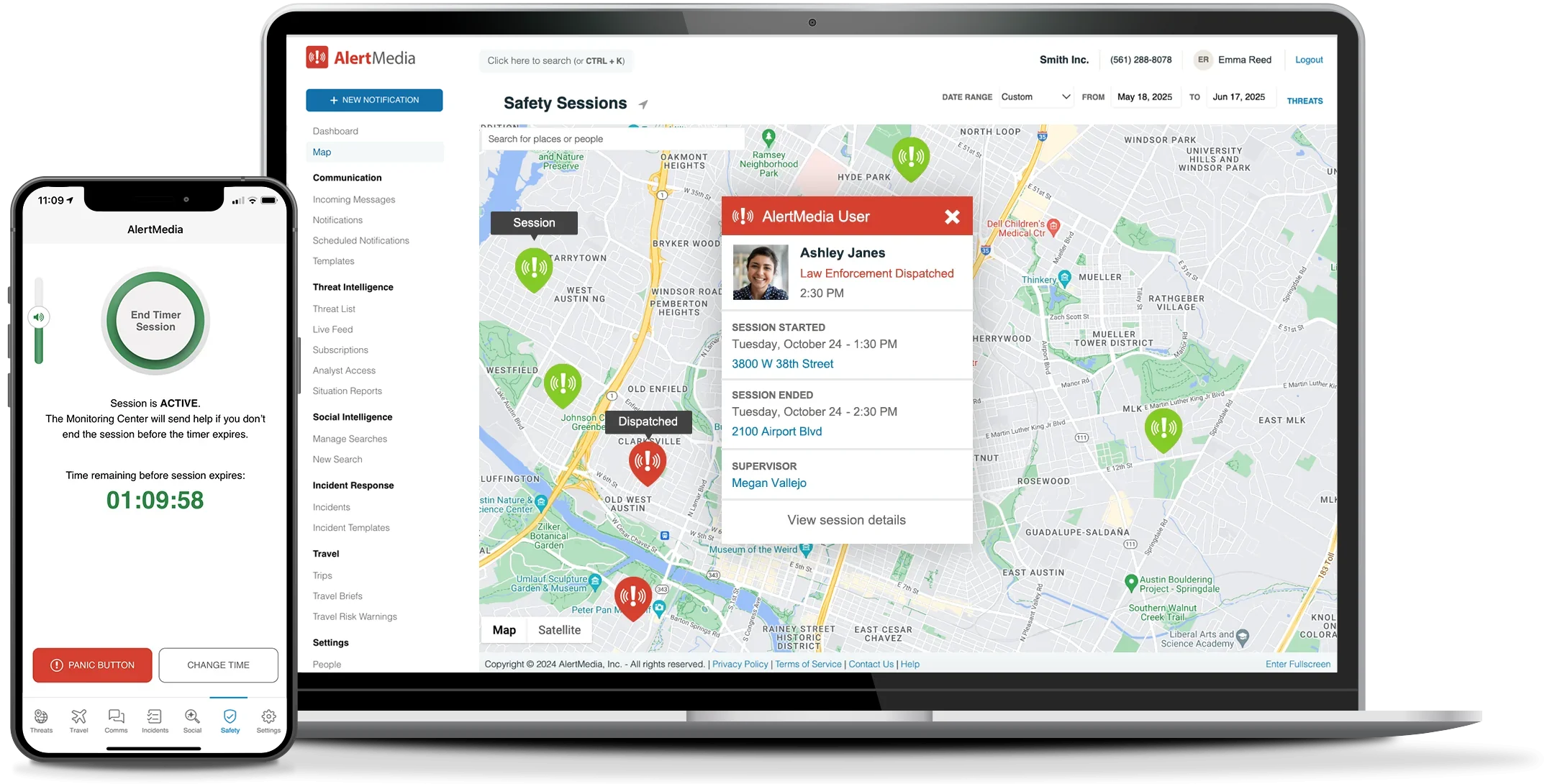
Transform Any Smartphone Into a Lone Worker
Safety Device

in the Field

on the Job

Response 24/7

Protection That’s Always Within Reach
From discreet distress signals to live monitoring and tailored response plans, every feature is designed to keep lone workers safe and connected.
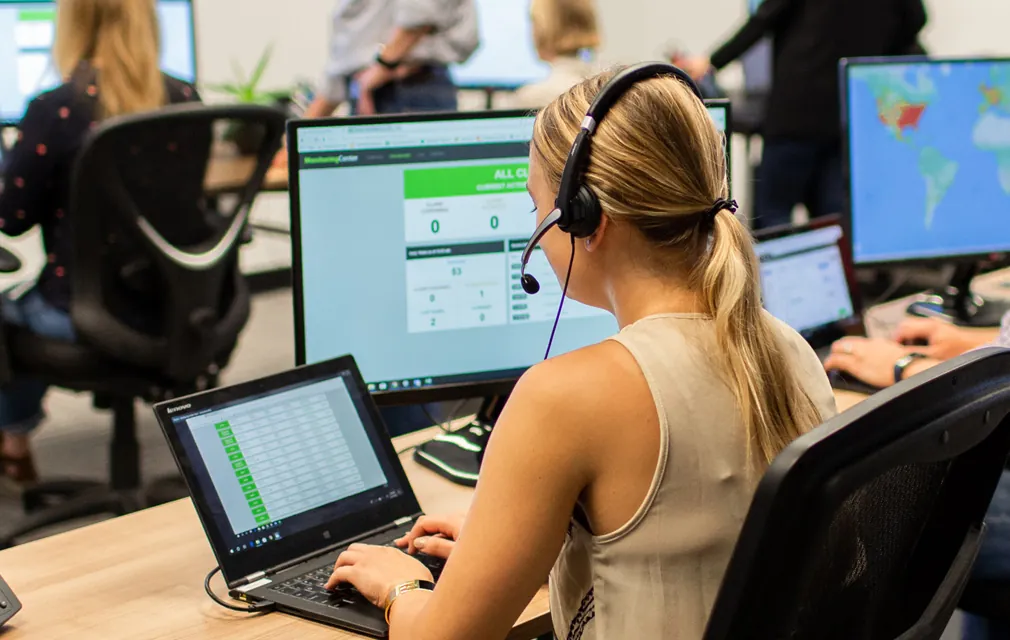
Monitoring Team
Full Features and Capabilities
Monitoring Features
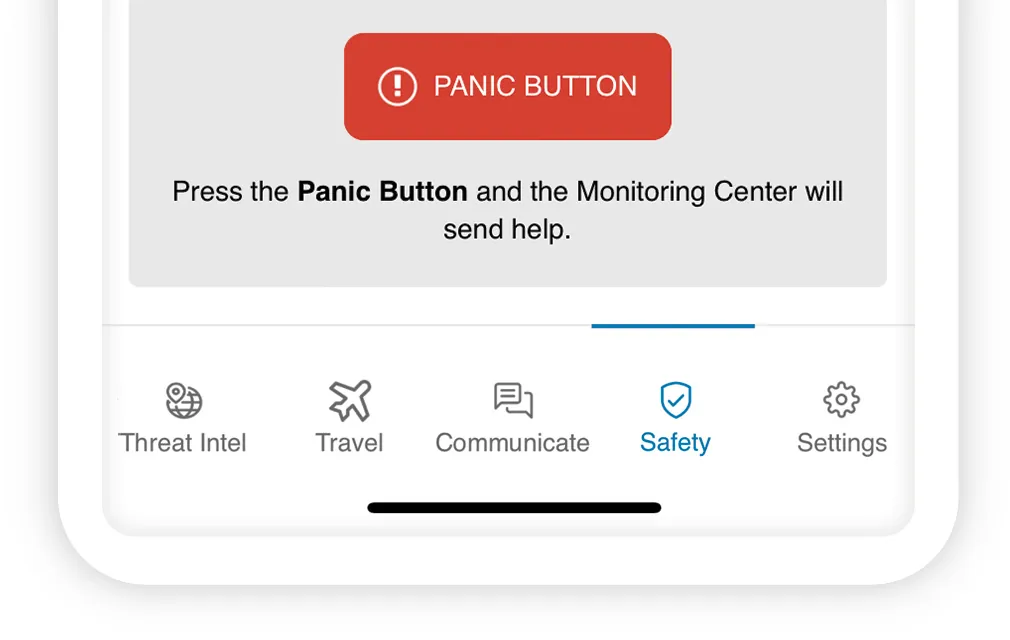
- One-touch panic button
 One-touch panic buttonDiscreetly signal for help from a locked phone.
 - Zero-button tether pull Zero-button tether pullSignal by pulling anything that plugs into the phone.
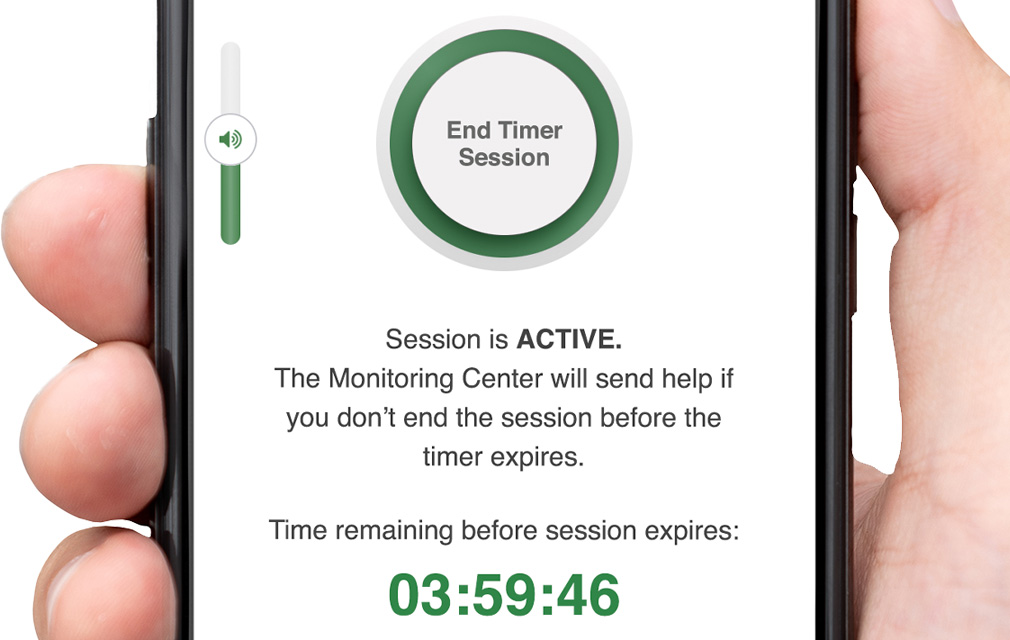
- Timed monitoring sessions Timed monitoring sessionsSet a countdown that triggers panic button if employees miss check-ins.
- Offline session coverage Offline session coverageTimed session countdown continues without cell signal.
- Discreet or audible alarms Discreet or audible alarmsChoose silent SOS activation or a loud deterrent alarm.
- GPS location tracking GPS location trackingShare real-time GPS location data every 20 seconds.
- Session notes for responders Session notes for respondersAdd helpful details like floor, clothing, or door codes.
- 24/7 monitoring center 24/7 monitoring centerHighly trained professionals dispatch help and notify your team.
- Custom escalation workflows Custom escalation workflowsDefine workflows to notify safety leaders, responders, or police.
- Hardware-free design Hardware-free designTurn any iPhone or Android into a discreet safety device.
- Incident reporting Incident reportingExport reports with time-stamped incident details.
- Integrated threat intelligence Integrated threat intelligenceMonitor nearby risk or send location-based alerts to employees.
- Integrated emergency
communicationIntegrated emergency communicationEnable multichannel, two-way communication with employees.

- AI Assistant AI AssistantAsk questions, uncover insights, and take action faster across the AlertMedia platform.
- Visual Intelligence Visual IntelligenceA high-performance map with flexible geofencing, custom views, pre-loaded data layers, import third-party or custom-built data layers
- API access for customization
- Platform integrations Platform integrationsIntegrate with other systems like security, BCP, TMS
- Full-featured app for all mobile devices Full-featured app for all mobile devicesMobile app for admins and employees (iOS and Android apps)
- Customizable admin roles and access settings
- Simplified data syncing with HRIS Simplified data syncing with HRISAutomatically sync your people data via Active Directory, CSV files, or SFT
- Dynamic groups Dynamic groupsAutomate user group creation and updates to ensure data integrity
- Single Sign-On with Automated
User ProvisioningSingle Sign-On with Automated User ProvisioningLeverage your existing user authentication process and manage your users through Azure AD or Okta - In-platform data masking In-platform data maskingMask sensitive personal data within the platform for specific admin levels
- GDPR, CCPA, SOC2 Type 2, ISO 27001 compliance
- Enterprise-level data encryption
- 24/7 live, world-class support 24/7 live, world-class supportGet answers fast with an average response time under 10 minutes
- Dedicated success team
- Ongoing enablement and insights Ongoing enablement and insightsAccess to training resources, best practices, AlertMedia Academy courses, Exchange customer forum
- Analytics AnalyticsAI-powered dashboards that help you explore AlertMedia data, measure program performance, and identify trends across your safety, communications, and
response operations.


AlertMedia Works Seamlessly With Your Systems
Easily connect with your existing systems and solutions for a fast, reliable response.















What Customers Are Saying


Marquette Management Protects Leasing Consultants in the Field With AlertMedia
“Our employees feel very protected with the AlertMedia 24/7 monitoring team in their corner.”
Mindy Helms
Director of Human Resources
VNS Health Enhances Safety and Preparedness Across the Organization With AlertMedia
“AlertMedia has allowed us to respond to incidents affecting employee safety in a much more nimble, agile, and immediate way.”
Lauren Campbell
Director of Emergency Preparedness
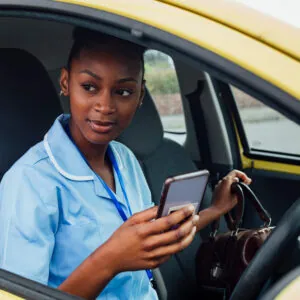
CentraCare Uses AlertMedia to Keep Home Healthcare Workers Safe
“AlertMedia is incredibly intuitive and user-friendly. It’s simple to start and end a monitoring session. We have employees who are less technology savvy who have quickly mastered the app.”
Kristen Husen
Home Care & Hospice Director


Marquette Management Protects Leasing Consultants in the Field With AlertMedia
“Our employees feel very protected with the AlertMedia 24/7 monitoring team in their corner.”
VNS Health Enhances Safety and Preparedness Across the Organization With AlertMedia
“AlertMedia has allowed us to respond to incidents affecting employee safety in a much more nimble, agile, and immediate way.”
CentraCare Uses AlertMedia to Keep Home Healthcare Workers Safe
“AlertMedia is incredibly intuitive and user-friendly. It’s simple to start and end a monitoring session. We have employees who are less technology savvy who have quickly mastered the app.”
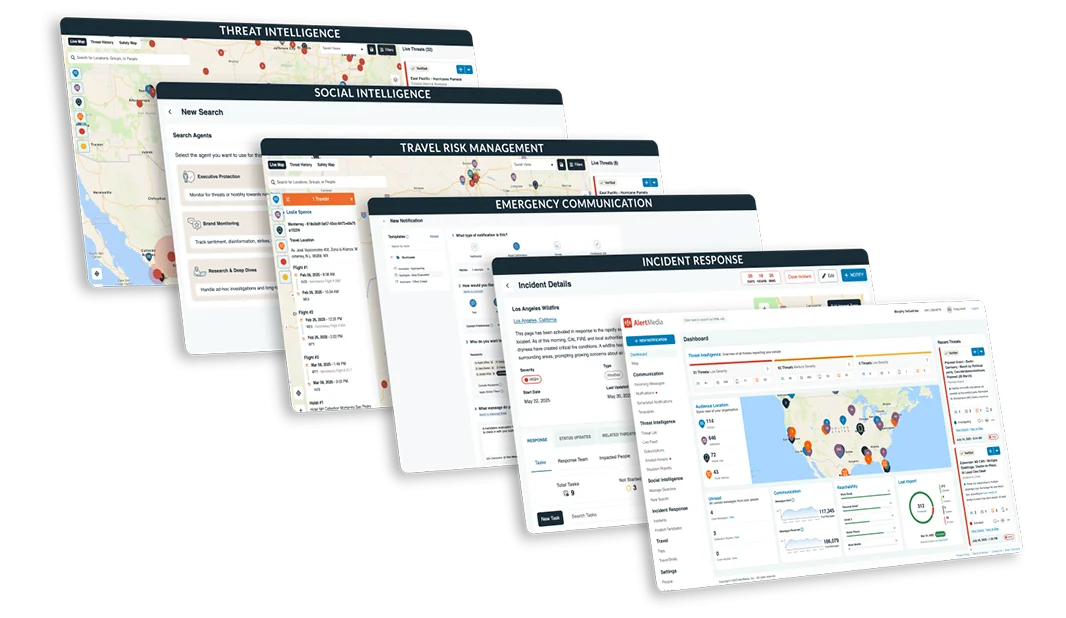
Manage Risk & Your Response From a Single Platform
Trade complexity for clarity with an integrated platform built for end-to-end preparedness.


Incident Management

Notification Leader
of Use


The People Safety Solution for Every Situation


Frequently Asked Questions
- How does AlertMedia’s lone worker monitoring system work? The AlertMedia lone worker app turns any smartphone into a discreet personal alarm and GPS tracking device. Employees can:
- Activate a panic button or tether pull to instantly send an SOS alert.
- Start a timed monitoring session with automated check-ins.
- Share real-time location tracking with responders.
- Receive assistance from a 24-hour monitoring center staffed by trained professionals.
If a check-in is missed, responders follow a customized escalation procedure to dispatch help to a worker’s location fast. - What types of workers benefit from lone worker monitoring? This lone work app is ideal for anyone working without direct supervision or in high-risk environments, including:
- Field service technicians and delivery drivers
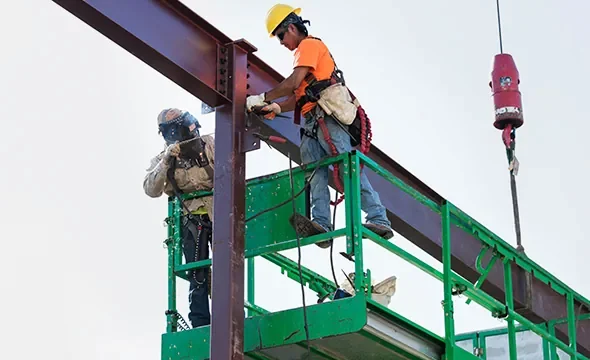
- Construction workers, utility crews, and oil and gas industry workers
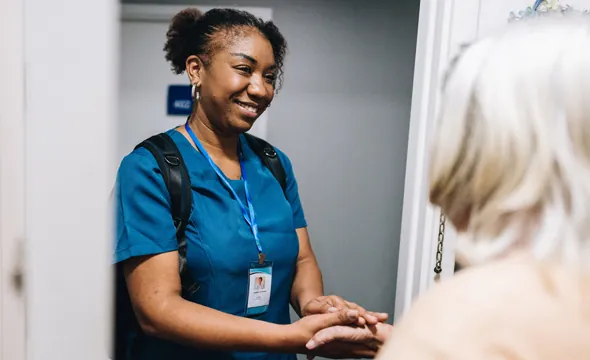
- Healthcare providers, social workers, and home health aides
- Security personnel and transportation employees
These industries face unique on-site hazards and compliance requirements that make connected safety systems essential. - Can the system function without cell service or Wi-Fi? Yes. The offline session coverage feature ensures that active monitoring sessions, countdown timers, and missed check-ins continue even when connectivity is lost. Once service is restored, all data—including GPS breadcrumbs and audit trails—automatically syncs with the cloud monitoring and management system and the AlertMedia Monitoring Team will deploy assistance to the last known location of the employee.
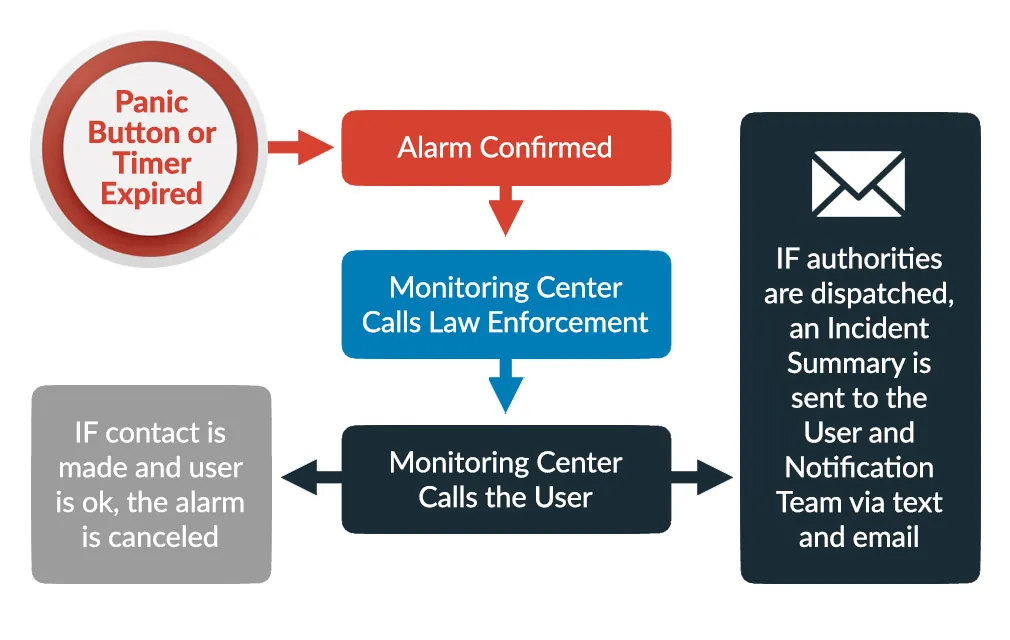
- How are alerts handled when an incident occurs? When an SOS alert or timer expiration occurs, AlertMedia’s 24/7 monitoring center immediately initiates the configured escalation plan. Our trained monitoring professionals follow your customized action plan—contacting internal safety leaders, local emergency responders, or law enforcement as needed. Every step is documented for incident reporting and compliance tracking.
- What types of alerts and automations are supported? AlertMedia’s lone worker safety solutions supports a range of customizable alerts and automated safety features, including:
- SOS panic button activations
- Timed and automated check-ins
- Proximity-based warning notifications
These automation capabilities help organizations detect and respond to emergencies in real time. - What kind of training and support does AlertMedia provide? Every implementation includes a custom rollout plan, user manuals, and mobile-friendly training modules to onboard employees quickly. Organizations also gain access to ongoing customer support services, including live assistance, online training videos, and a searchable knowledge base with checklists and troubleshooting guides.
- How is employee data and location information protected? AlertMedia uses secure, cloud-based monitoring infrastructure with encryption and strict access controls. Only authorized responders and administrators can view GPS tracking or session data. All incident reports and audit trails are stored in compliance with global data privacy standards.
