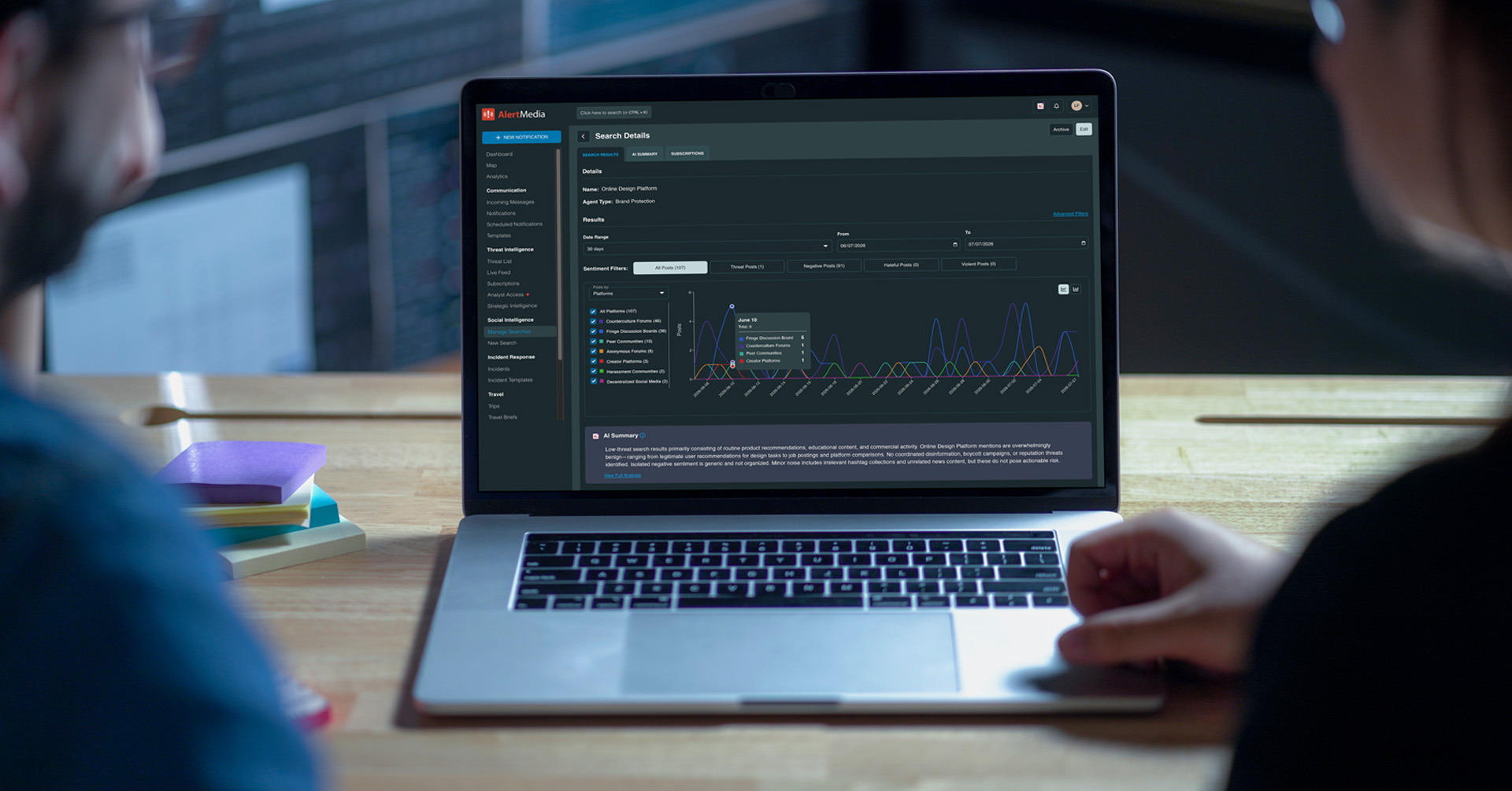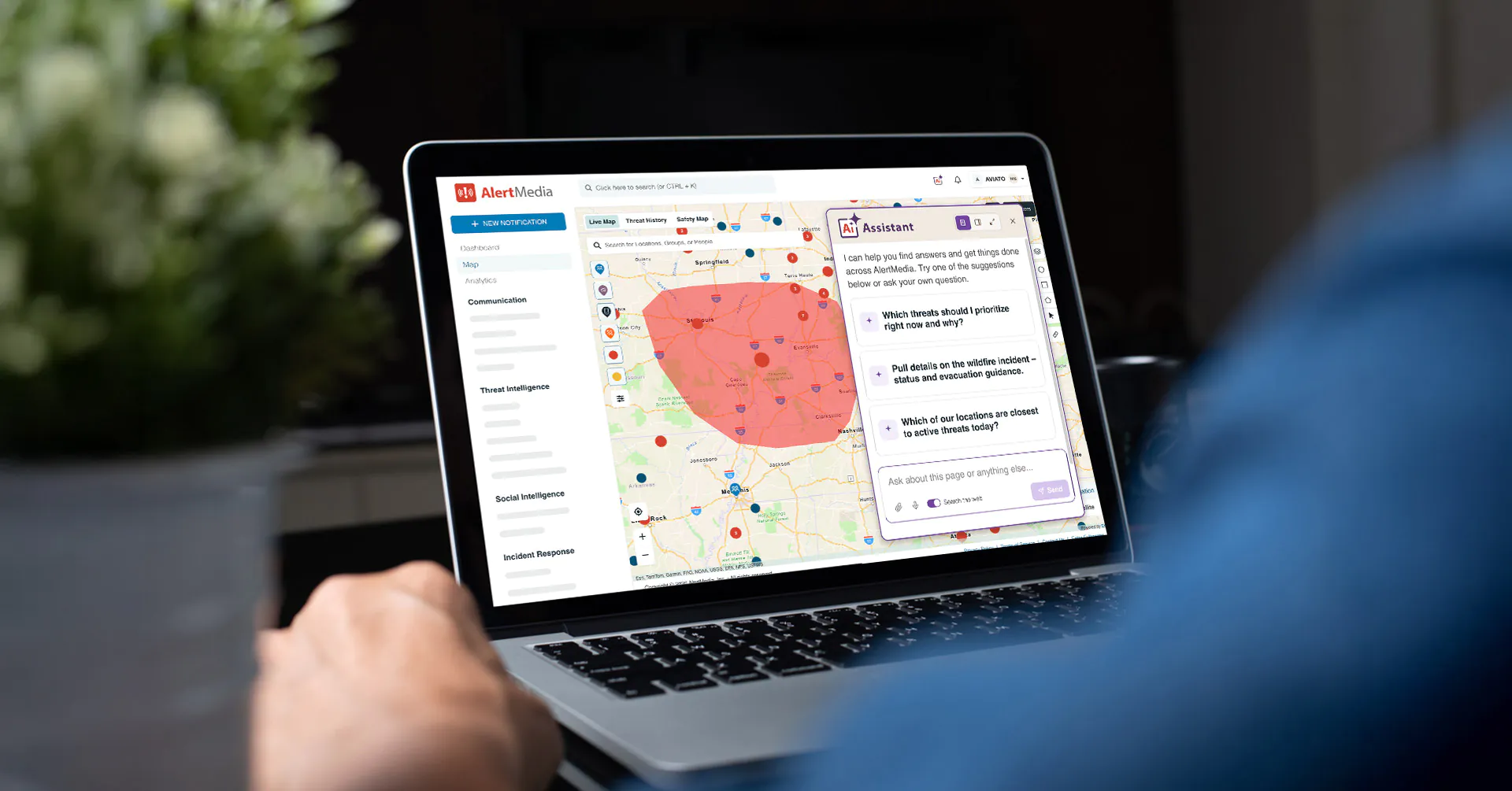
Build, refine, and maintain incident response plans in minutes with AlertMedia’s new AI Plan Builder—whether you’re starting from scratch or improving existing templates.

Company News Aug 05, 2026
Meet AI Plan Builder: Create Incident Response Plans in Minutes
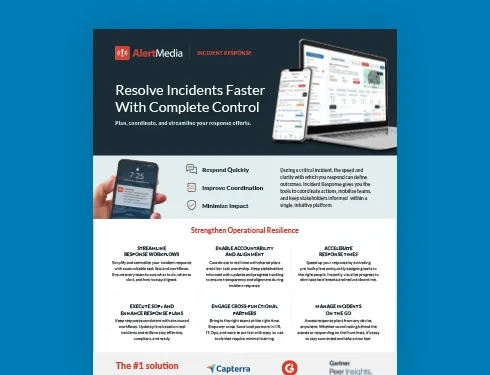
Incident Response Key Feature Guide
Create a customized, crisis-ready framework to keep your organization running through any disruption.
AlertMedia is excited to introduce AI Plan Builder, a new generative AI capability built directly into AlertMedia Incident Response. It helps emergency management, security, and operations teams build, refine, and maintain incident response plans in minutes—whether they are creating a plan for the first time or improving an established response program.
For many organizations, one of the biggest barriers to preparedness is creating and maintaining the plans that guide incident response. Teams may inherit outdated templates, struggle to keep documentation current as their organization evolves, or simply not know where to begin. As a result, critical plans can remain incomplete, impractical, or outdated.
AI Plan Builder helps remove those barriers by bringing AI directly into the planning process. Practitioners can start with an AlertMedia sample plan or describe a scenario in natural language, then use the assistant to tailor the plan to their organization. They can also improve existing templates and make targeted updates without manually editing every task.
Incident Response Key Feature Guide
Discover how to streamline workflows, coordinate cross-functional response, and accelerate resolution when every second counts.
Build Better Response Plans—Without Starting From Scratch
A strong incident response plan should reflect the realities of your organization: its facilities, people, risks, responsibilities, and operating environment. But practitioners should not have to assemble every task and instruction from an empty template.
With AI Plan Builder, teams can get started in two ways. They can select from AlertMedia’s library of sample plans for scenarios such as a building evacuation, civil unrest, cybersecurity incidents, flooding, hurricanes, lockdowns, travel incidents, and wildfires. From there, they can use the assistant to adapt the plan to their organization.
Or they can describe a scenario in natural language and generate a customized plan from the ground up.
| Example prompt |
| Create a hurricane response plan for our manufacturing facility in Tampa, Florida. Include preparation, employee communication, facility shutdown, evacuation, and post-storm recovery tasks. |
Instead of returning a block of general advice, the assistant creates an editable response template directly inside AlertMedia. It can populate the incident description, recommend response tasks, suggest owners, and tailor the plan to a particular location, industry, and team structure.
A healthcare organization could ask the assistant to build a Code Blue plan with responsibilities for clinical leads, security, facilities, and internal communications. An IT security team could create a cybersecurity incident response plan that includes escalation, containment, recovery, and documentation tasks.
The result is not simply an idea for a plan. It is a working template the team can review, refine, and prepare for deployment.
Already Have Response Plans? Make Them Better
AI Plan Builder is not only for organizations creating plans for the first time.
Many practitioners already have response plans, but those plans may be incomplete, outdated, or too generic to guide an effective response. A plan written for one facility may not account for the risks, personnel, or procedures at another. A template created before a reorganization may still assign critical tasks to former employees. A compliance-driven document may technically exist but be impractical during an actual incident.
The assistant helps teams improve what they already have.
| Example prompt |
| Adapt this response plan for our new regional headquarters. Update locations, response team assignments, task owners, and facility-specific procedures. |
The assistant can update the plan directly by refining descriptions, creating tasks, adding locations, suggesting missing steps, and assigning owners. Teams can also use precise instructions to make administrative changes that would otherwise require manual editing.
| Example prompt |
| Reassign all facilities-related tasks from [former employee] to [new employee], and add reminders 30 minutes before each task is due. |
More Than Conversation—AI That Streamlines Planning
Many AI tools can brainstorm ideas or produce draft text. AI Plan Builder goes further.
It is embedded directly inside the Incident Response template editor, where it can apply changes to the plan in real time. Users do not have to copy recommendations from a separate chatbot, translate them into the correct format, and then update the template by hand.
Instead, they can ask the assistant to create or rewrite response tasks, improve incident descriptions, suggest missing steps, assign or reassign task owners, add locations or response-team details, and update deadlines, reminders, severity levels, or statuses.
The assistant appears in a non-blocking panel, allowing users to continue viewing the template while they work. A dedicated change log shows what the assistant has modified, and users can revert AI-generated changes during the session as needed.
Built for the Entire Planning Lifecycle
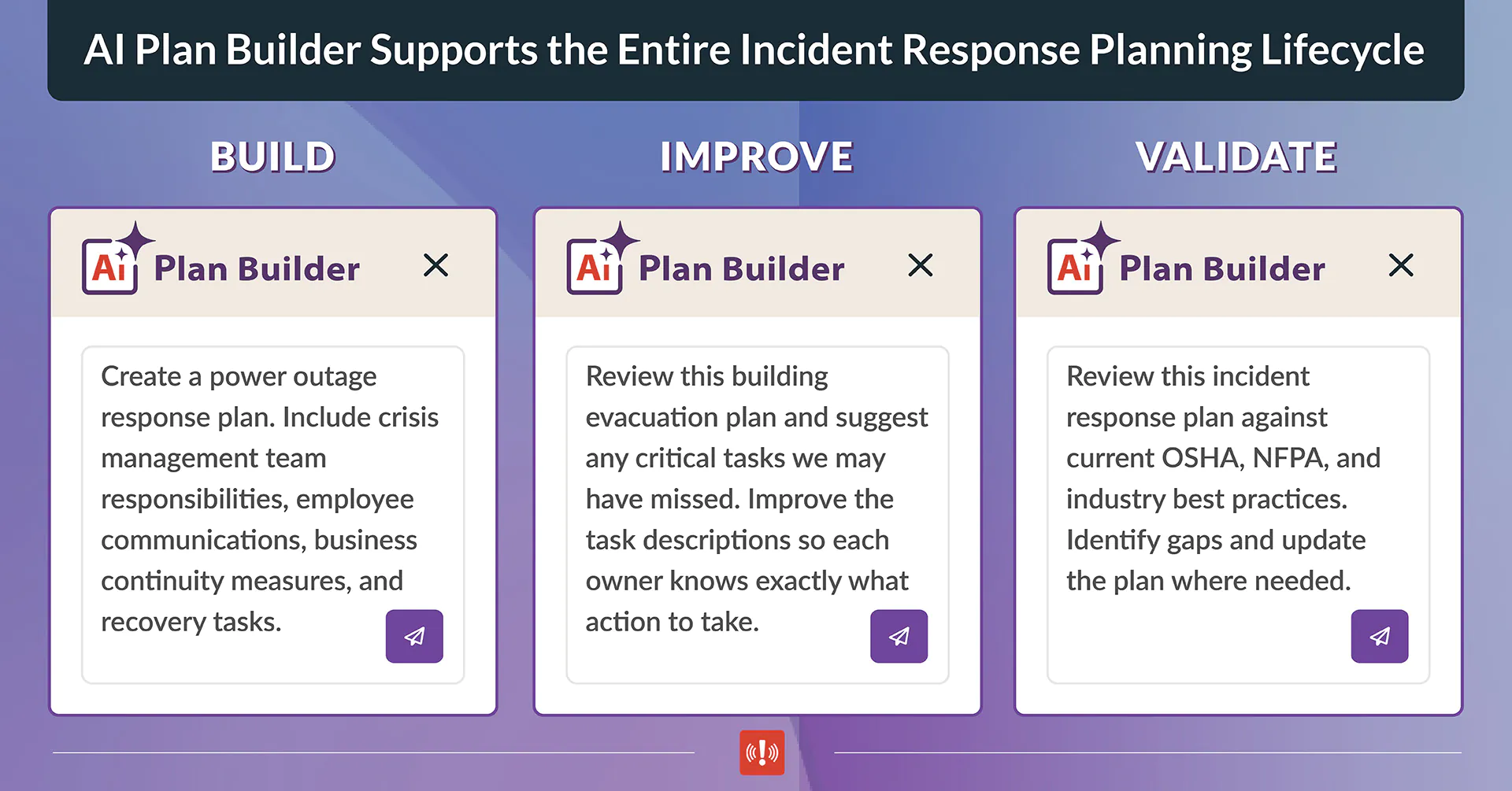
Incident response planning is not a one-time exercise. Plans must evolve alongside the organization. AI Plan Builder supports five essential parts of that lifecycle.
- Build: Move from an idea, sample scenario, or natural-language prompt to a structured response plan without beginning with an empty template.
- Improve: Refine descriptions, identify gaps, strengthen task instructions, and tailor existing plans to the organization’s current needs.
- Validate: Compare response plans against current compliance requirements, regulatory guidance, industry standards, and best practices to identify gaps and strengthen preparedness.
- Maintain: Update owners, locations, timelines, and procedures as teams change, facilities expand, and operating conditions evolve.
- Scale: Apply consistent updates across templates and assess plan coverage without relying on hours of repetitive manual work.
The assistant can also optionally search the web for current information, such as applicable compliance codes, regulatory guidance, or industry standards. This can help practitioners compare a plan against current guidance and incorporate relevant updates as part of the improve-and-maintain process.
| Example prompt |
| Compare this cybersecurity incident response plan with the current NIST guidance. Identify gaps and add the missing containment, recovery, and documentation tasks. |
Extend Preparedness Beyond the Moment of Response
AlertMedia Incident Response has always been designed to help teams act with greater speed, clarity, and coordination when an incident occurs. But an effective response begins much earlier.
It begins when teams prepare for the incidents they’re most likely to face, define clear responsibilities, document critical actions, and keep response plans up to date as the organization evolves.
AI Plan Builder extends AlertMedia’s support upstream into that planning and preparedness work. It helps practitioners move from no plan to a usable plan, from an outdated plan to a current one, and from disconnected templates to a more scalable response program. The result is a stronger foundation for faster, more coordinated action when every minute matters.
Schedule a demo to see how AlertMedia Incident Response can help your organization build, manage, and activate response plans.
Incident Response Key Feature Guide
Discover how to streamline workflows, coordinate cross-functional response, and accelerate resolution when every second counts.

AlertMedia, Risk Intelligence and Response