By AlertMedia, Risk Intelligence and Response

Emergency Management Oct 22, 2026
What Is an AI Security Operations Platform With Human in the Loop?
Buyer’s Guide to Risk Intelligence & Response Platforms
Evaluate vendors, compare capabilities, and choose a solution that helps you detect threats earlier and respond faster.
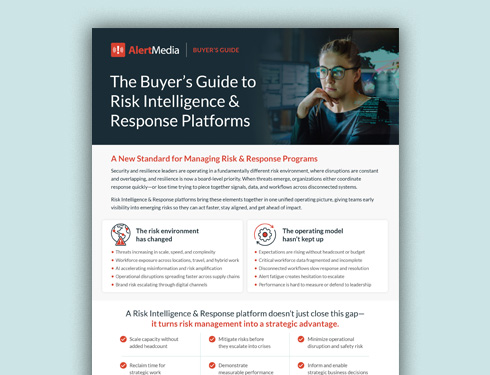
Table of Contents
- Why an AI Security Operations Platform With Human in the Loop Matters
- Key Components of an AI Security Operations Platform With Human in the Loop
- How an AI Security Operations Platform With Human in the Loop Works
- Best Practices for Human-in-the-Loop Security Operations
- Common Challenges and How to Address Them
- How AlertMedia Approaches AI Security Operations With Human in the Loop
An AI security operations platform with human in the loop is software that uses AI to monitor risks, summarize what it finds, and draft plans and messages, while people verify, review, and approve before anything consequential happens. It helps corporate security teams cover more people, places, and sources by automating repetitive work and keeping analysts in control of decisions. For lean teams, it matters because AI speed is only useful when the output is trustworthy enough to act on. This page explains why the human-in-the-loop model matters, the key components to look for, how it works, and how to put it into practice.
In this guide, security operations means corporate and physical security: protecting people, locations, and operations, often from a Global Security Operations Center (GSOC).
Why an AI Security Operations Platform With Human in the Loop Matters
Speed with confidence
AI can process signals far faster than a person. Human review is what turns that speed into decisions a team can stand behind, so the organization gets both velocity and confidence.
Less noise and fewer false positives
Unfiltered feeds produce more signals than any team can read. AI narrows the volume, and analysts confirm what is credible and relevant before it reaches the response queue.
A force multiplier for lean teams
Security teams are often small and responsible for many locations. AI handles repetitive work, which lets analysts spend their time on judgment where it matters most.
Accountability and auditability
When people review and approve high-stakes outputs, ownership is clear. Documented decisions and action logs support after-action reviews, governance, and compliance.
Trust that supports adoption
Teams use AI more readily when they know it drafts and recommends but does not act on its own. Clear approval points build the trust that makes AI part of daily work.
Key Components of an AI Security Operations Platform With Human in the Loop
Eight components define the category. Each describes what any organization should expect, regardless of vendor.
| Component | What it means | Why it matters |
| AI-powered analysis and automation | AI builds searches, classifies and groups signals, and summarizes findings. | It expands coverage without expanding headcount. |
| Human-verified intelligence | Analysts confirm credibility and relevance before intelligence reaches the response queue. | Verification makes signals safe to act on. |
| Human review of AI drafts | People review and refine AI-generated plans and messages before use. | Quality and accountability stay with the team. |
| Defined approval points | High-stakes actions require a person to approve them. Nothing consequential is sent or closed automatically. | Clear limits keep AI in an assisting role. |
| Source transparency | Findings link back to the original sources where possible. | Analysts can check the evidence. |
| Permissions and data protection | Answers respect existing access rights, and customer data is protected. | Security teams need confidence in how data is handled. |
| Connected response workflows | Intelligence flows into incident coordination and communication on the same platform. | It removes the delay between detection and action. |
| Documentation and audit trail | Actions, messages, and decisions are recorded automatically. | Records support review and compliance. |
How an AI Security Operations Platform With Human in the Loop Works
1. Monitor
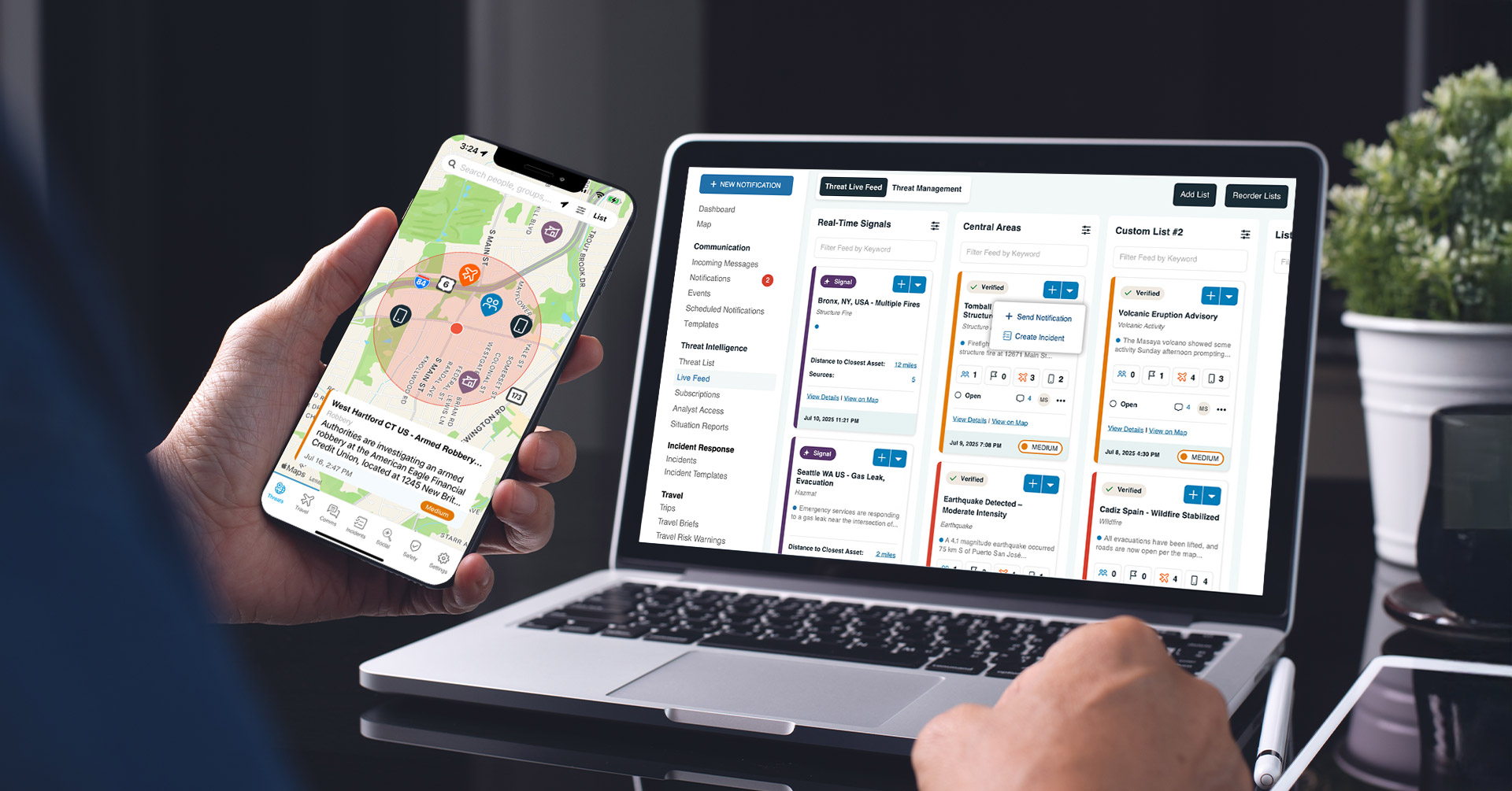
AI watches a broad set of sources, builds searches in natural language, and surfaces signals relevant to your people, locations, and assets. Analysts set the scope and refine what the AI generates.
2. Verify
AI filters, deduplicates, and classifies signals to reduce noise. Then analysts verify the source and credibility. This is the core human-in-the-loop step: AI narrows the field, and people confirm what is real.
3. Assess Impact
Verified threats are mapped against people, facilities, and assets so the team can see who and what may be affected. Security leaders decide how serious the situation is.
4. Coordinate the Response
Teams activate response plans, assign tasks, and track progress. AI can draft or refine a plan, and the plan owner reviews and approves it.
5. Communicate
AI helps draft and translate messages quickly. A person reviews the message, chooses the audience, and sends it. Two-way channels show who has responded.
6. Resolve and Report
Action logs and message history are captured automatically. Teams review what happened, update plans, and improve for the next incident.
Best Practices for Human-in-the-Loop Security Operations
- Decide in advance which actions AI may draft, and which require human approval before they happen.
- Keep analysts responsible for verifying intelligence before it enters the response queue.
- Require review of AI-generated plans and messages before they are approved or sent.
- Prefer software that links findings to original sources so analysts can check the evidence.
- Start with high-volume, repetitive tasks such as search building, summarization, and message drafting.
- Treat sentiment scores, mention counts, and AI summaries as signals for review, not conclusions.
- Document decisions and action logs so every incident supports learning and compliance.
- Train a broad group of administrators so response does not depend on a few specialists.
- Test the workflow in tabletop exercises and refine approval points based on what you learn.
Common Challenges and How to Address Them
| Challenge | Why it happens | How to address it |
| Alert fatigue from high-volume feeds | Unfiltered sources produce more signals than a team can review. | Use AI to narrow volume and analyst verification to confirm what matters. |
| Over-reliance on AI output | Fast, fluent answers can feel more certain than they are. | Define approval points and keep analysts accountable for verification. |
| Unclear ownership of decisions | Teams adopt AI without agreeing who reviews and approves. | Document roles, approval steps, and backups for each workflow. |
| Disconnected systems | Monitoring, communication, and response live in separate software. | Choose a connected platform so verified intelligence moves directly into response. |
How AlertMedia Approaches AI Security Operations With Human in the Loop
AlertMedia is a unified risk intelligence and response platform for corporate security teams. AI is built into the workflows where teams spend the most time, and people stay in control at each step: analysts verify intelligence, plan owners review plans, and senders review and send messages.
| Platform need | How AlertMedia helps |
| AI-assisted monitoring | AI Query Builder in Social Intelligence uses a natural-language chat interface to generate comprehensive, multilingual queries. Analysts review and refine the results. |
| Early signals with AI vetting | Real-Time Signals, an add-on to Threat Intelligence, surfaces AI-vetted initial reports from thousands of trusted sources through an analyst-trained AI feed. |
| Analyst-verified intelligence | AlertMedia’s Global Intelligence Team, staffed 24/7, verifies threats before they reach your team, with on-demand Analyst Access for deeper context. |
| Impact assessment | Real-Time Impact Assessment uses Visual Intelligence to show how verified threats relate to your people, assets, and locations. |
| Plans and messages with review | AI Plan Builder in Incident Response creates a tailored response-plan first draft in minutes. AI Composer in Emergency Communication drafts, edits, and translates messages in seconds. People review before use. |
| Documentation | Actionable Post-Incident Reporting produces audit-ready reports with action logs, sent messages, and resolution timelines. |
| Fit with your existing stack | An API threat feed gives security operations teams programmatic access to AlertMedia intelligence for SOC and SIEM integration. |
AI across the platform
AI appears across the platform as named capabilities: AI Query Builder in Social Intelligence, Real-Time Signals in Threat Intelligence, AI Plan Builder in Incident Response, and AI Composer in Emergency Communication. AI scales the platform; AI paired with analyst verification is what makes the intelligence trustworthy enough to act on.
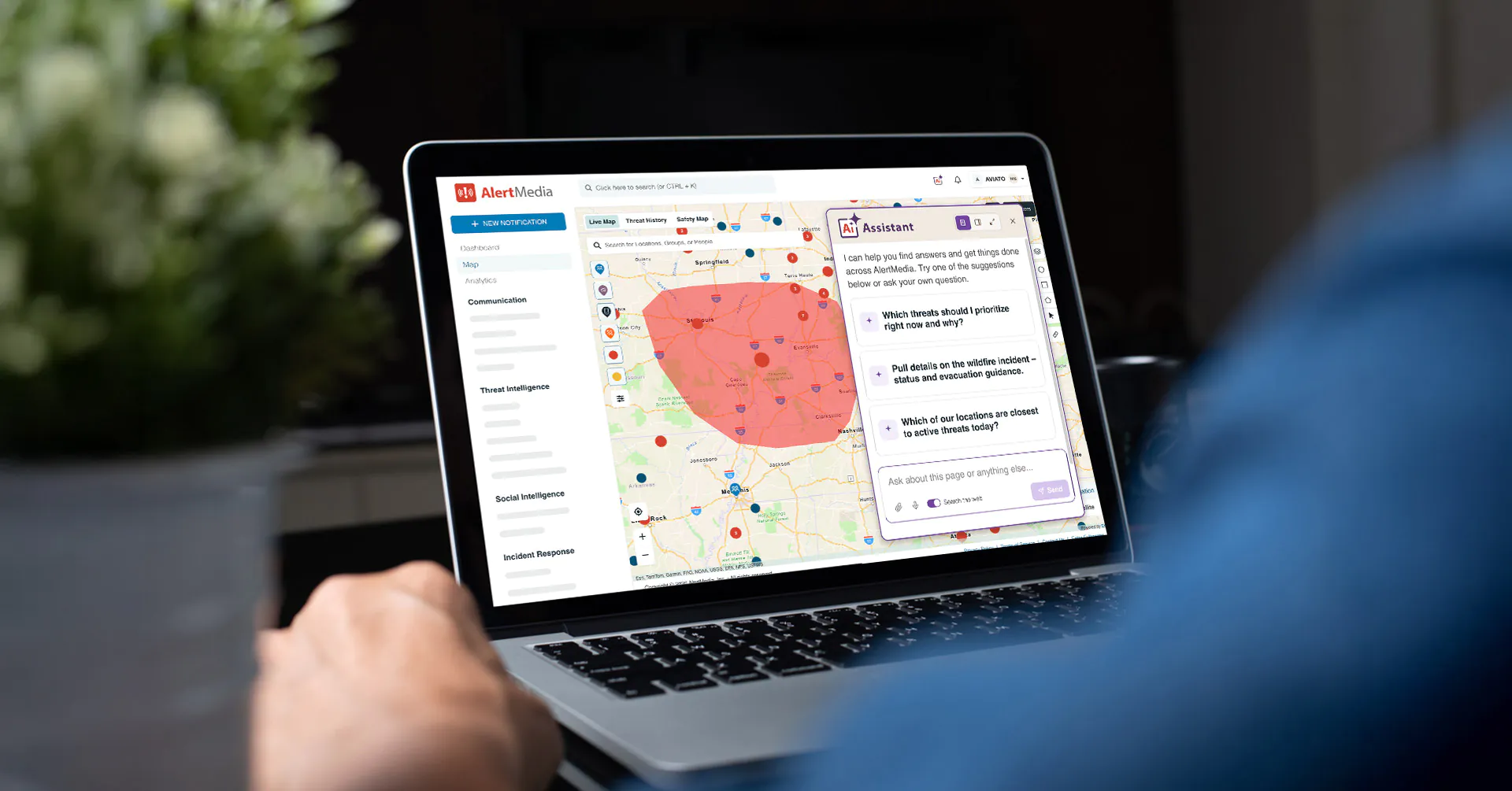
AI Assistant adds a conversational interface across the platform so teams can ask questions in plain language and get answers grounded in their own AlertMedia data. Humans stay in control: high-stakes outputs require review, AI Assistant drafts and a person reviews and sends, and answers respect existing permissions.
For lean security teams, this combination works as a force multiplier: AlertMedia’s analyst support and automation deliver value equivalent to adding approximately three security staff without adding headcount. Customers report responding 25+ minutes faster and training new administrators in about 20 minutes. More than 3,500 organizations in over 150 countries rely on AlertMedia, which is SOC2 Type II and ISO 27001 certified and has been named a Gartner Peer Insights™ Customers’ Choice.
“AlertMedia takes the legwork out of monitoring and vetting relevant threat signals—so we can focus on preparing for any threats, rather than reacting to them.”
—Vice President of Operations, Thales Group
Frequently Asked Questions
- What is an AI security operations platform with human in the loop? An AI security operations platform with human in the loop is software that uses AI to monitor risks, summarize findings, and draft plans and messages, while people verify intelligence, review AI output, and approve consequential actions. It expands what a lean team can cover without removing human judgment.
- Why does human in the loop matter in security operations? AI is fast, but it can be wrong or lack context. People verify sources, judge credibility, and decide how to respond, which makes AI output trustworthy enough to act on. Clear approval points also keep accountability and auditability with the security team.
- Where do humans stay in control? Humans verify intelligence before it reaches the response queue, review AI-generated plans and messages, choose audiences, and approve or send communications. In AlertMedia, analysts verify threats, plan owners refine AI-drafted plans, and senders review and send messages.
- How is human in the loop different from fully autonomous AI? Fully autonomous AI acts on its own. A human-in-the-loop model lets AI draft, summarize, and recommend while people approve actions. Nothing consequential is sent, closed, or changed without a person reviewing it first.
- What role does AI play in an AI security operations platform? AI builds searches, classifies and groups signals, summarizes findings, and drafts plans and messages. It handles repetitive work so analysts can focus on verification and decisions. AlertMedia pairs AI with analyst verification so intelligence is ready to act on.
- Does AlertMedia replace a cybersecurity SOC platform? No. AlertMedia focuses on corporate and physical security operations: monitoring threats to people, locations, and operations and coordinating response. Its API threat feed lets teams bring AlertMedia intelligence into SOC and SIEM environments they already use.
- Does the AI use my data to train its models? For AlertMedia's AI Assistant, customer data is never used to train AI models, and answers respect each user's existing permissions.
- Can AI reduce the size of a security team? The goal is to amplify analysts, not replace them. AI takes on repetitive work so small teams can cover more people, places, and sources, while analysts keep responsibility for verification, judgment, and decisions.
Buyer’s Guide to Risk Intelligence & Response Platforms
Evaluate vendors, compare capabilities, and choose a solution that helps you detect threats earlier and respond faster.

AlertMedia, Risk Intelligence and Response